- Product

- Pricing
- Affiliate Program
- Use Cases
- Resource
 EN
EN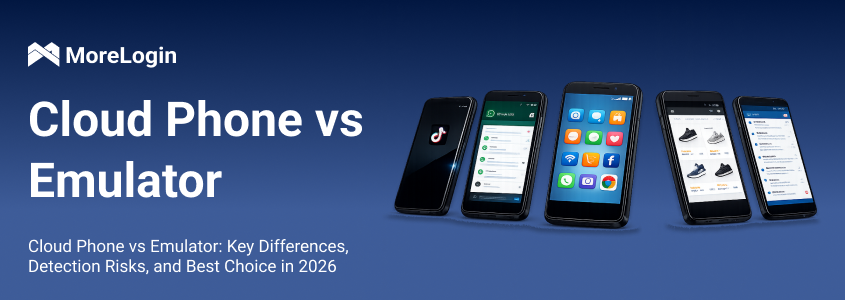
Why can social platforms detect Android emulators so quickly? Many users notice the same pattern. Accounts run fine at the start, then suddenly face verification, login issues, or even bans. This usually happens when the platform detects something unusual in the environment.
This is where the comparison of Cloud Phone vs Emulator becomes important.
An emulator is not a real phone. It is a simulated system running on a computer. A cloud phone, on the other hand, is a real mobile device hosted in the cloud and accessed remotely. At first glance, both can run apps like TikTok or WhatsApp. But under the surface, they behave very differently. That difference affects detection, stability, and scalability. If you want to manage multiple accounts or run long-term workflows, understanding this gap is necessary.
An Android emulator is a virtual Android system that runs on your local machine. It creates a “fake” phone environment by utilizing your computer’s hardware—CPU, RAM, GPU, and sensors—to simulate an Android device.
To understand this better, imagine running a game console emulator on your PC. The game works, but it is still an imitation of the real hardware. Each emulator instance requires its own allocation of system resources, so running multiple instances can quickly strain your computer's hardware and lead to performance issues.
Most emulators rely on x86 architecture, which is different from the ARM architecture used by real smartphones. This mismatch is one of the core issues in the Cloud Phone vs Emulator comparison.
Even when emulators try to hide this difference, platforms can still detect inconsistencies. For example, system-level data such as CPU instructions, device model patterns, and sensor responses may not fully match what a real phone would produce. A detailed explanation of how these inconsistencies appear in practice can be seen in analyses like the MoreLogin breakdown of Android emulator environments, where the gap between simulated and real devices is explained at a technical level.
Emulators do have advantages. They are easy to install, often free, and suitable for testing apps or running simple tasks. Emulators allow users to run Android apps and mobile games on their computers, and users can often select or configure the Android version for compatibility testing. However, performance may degrade significantly when running multiple emulator instances, as each consumes substantial local CPU, RAM, and GPU resources—unlike cloud phones, which can run hundreds of instances independently in the cloud without impacting your local hardware. But once you move beyond basic use, their limitations become clear.
A cloud phone is an actual device—a real Android device—hosted on remote cloud servers, not a virtual machine. You connect to it over the internet, but the device itself is genuine hardware, not simulated.
This means it uses real ARM chips, physical sensors, and authentic system behavior, providing the same experience as a physical phone or real phones. In the Cloud Phone vs Emulator discussion, this is the most important difference.
Most cloud phones allow users to select the Android version for compatibility and testing purposes. Think of it like remote desktop, but instead of connecting to a PC, you are connecting to a physical smartphone located elsewhere.
Each cloud phone instance is independent. It has its own storage, system data, and runtime environment. For example, if you run five accounts, each can operate on a separate device instead of sharing the same underlying system.
Platforms see this as normal usage, because from their perspective, each session comes from a real device.
Unlike a virtual machine, a cloud phone operates on real hardware, not just a simulated environment. You can see how this works in practice through solutions like MoreLogin’s cloud phone environment, which provides isolated mobile devices that can be managed from one dashboard without relying on local hardware.
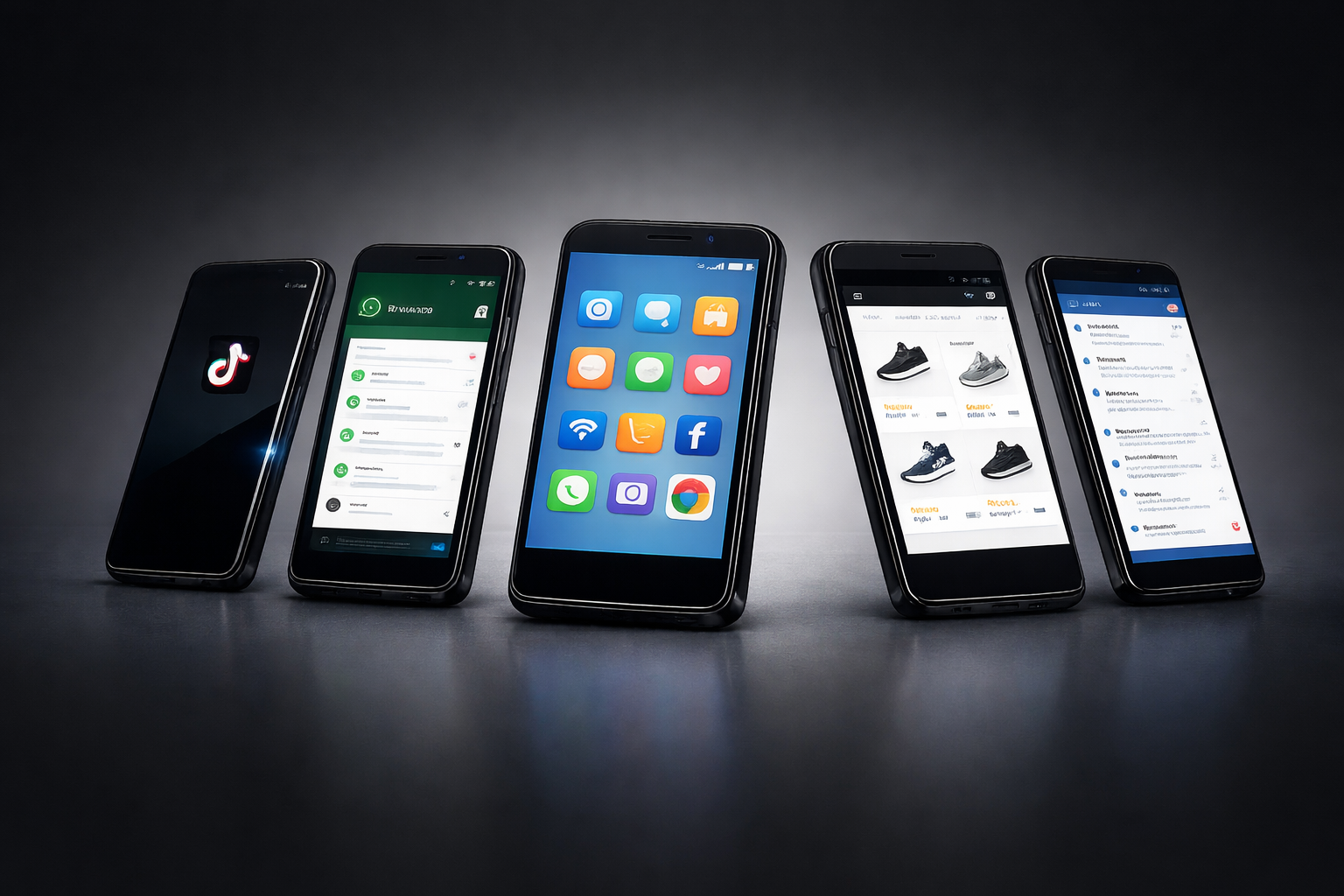
Each cloud phone instance is independent. It has its own storage, system data, and runtime environment. For example, if you run five accounts, each can operate on a separate device instead of sharing the same underlying system.
Platforms see this as normal usage, because from their perspective, each session comes from a real device.
You can see how this works in practice through solutions like MoreLogin’s cloud phone environment, which provides isolated mobile devices that can be managed from one dashboard without relying on local hardware.
The difference between these two is not just about performance. It is about how “real” the environment looks.
IIn Cloud Phone vs Emulator, the emulator tries to imitate a device, while the cloud phone actually is one. Emulators are often limited by the capabilities of local devices, restricting the number of instances and performance. In contrast, cloud phones can manage multiple devices and mobile profiles independently in the cloud, allowing for scalable, isolated environments ideal for account safety and batch operations. This affects how platforms evaluate trust.
Detection systems do not rely on a single factor. They analyze multiple layers at the same time. Social media platforms have sophisticated detection systems capable of identifying emulated environments, making cloud phones a safer choice for managing multiple accounts compared to traditional emulators. These detection challenges are especially relevant in real-world scenarios where account safety is critical.
Real smartphones use ARM processors with real ARM chips and physical sensors such as accelerometers, gyroscopes, and GPS modules. Emulators, on the other hand, typically lack real ARM chips and physical sensors, often exposing x86 traces and simulating sensor data. Even when emulators attempt to mask these differences, platforms can detect instruction patterns and the absence of natural sensor variations, leading to hardware fingerprint mismatches that raise suspicion.
A real phone or physical phone has sensors like GPS, gyroscope, and battery behavior that naturally exhibit noise and subtle variations in their data. Emulators simulate these sensors, but not perfectly—sensor readings from emulators often appear overly consistent and lack the natural fluctuations found in real phones or physical phones. For instance, location updates may look too clean or too consistent, which is not typical for real devices.
When running multiple emulator instances, each emulator instance shares system resources, making it difficult to manage multiple devices effectively. Imagine launching ten accounts from the same setup. Even if IPs differ, the device fingerprints may still look alike. This creates a detectable pattern.
In the context of Cloud Phone vs Emulator, this is why emulators struggle when used for scaling. They were not designed for managing multiple devices simultaneously, and resource limitations or technical complexity can hinder batch operations.
Cloud phones reduce detection risk by removing the simulation layer. They also offer improved data security through encryption and data isolation, reducing the risk of sensitive information exposure compared to local storage or less secure methods.
Because they run on real Android devices, users get a genuine real Android experience with no CPU-level mismatch. The system behaves as expected.
Each cloud phone acts like a separate device, with each one able to maintain its own mobile profile. For example, if you log into different accounts, each one can have its own device identity and isolated mobile profile, ensuring account separation and customization instead of sharing the same base system.
You can assign different network settings to each device. This reduces overlap and makes behavior look more natural.
In Cloud Phone vs Emulator, this approach aligns better with how platforms expect users to behave.
Bluestacks is one of the most well-known emulators, popular for running Android apps, mobile apps, and mobile games like PUBG Mobile on PC.
In Bluestacks, users can select different Android versions for compatibility testing, which is useful for ensuring apps run as intended across various environments. But in a cloud phone vs bluestacks comparison, the difference becomes clear when you scale.
Bluestacks runs locally and shares your system resources. If you open multiple instances, performance drops and fingerprints start to overlap.
A cloud phone does not have this issue. Each device runs independently in the cloud. This means better stability and fewer shared signals between accounts.
For small tasks, Bluestacks is fine. For multi-account workflows, it becomes risky.
Emulators are suitable for:
App development and testing
Running a single account
Short-term tasks
Cloud phones are better for:
Managing multiple accounts
Managing multiple devices simultaneously
Social media marketing and operations
Long-term workflows
In comparisons like the MoreLogin analysis of cloud phone vs Android emulator setups, the pattern is consistent: emulators are tools for convenience, while cloud phones are tools for scaling.
Many users start with emulators because they are simple. But as soon as they scale, problems appear. Accounts get flagged, environments become unstable, and workflows break.
This is why people search for an android emulator alternative.
A cloud phone is a practical solution. Instead of simulating devices, it gives you access to real devices in the cloud. Most cloud phones support various Android versions, allowing you to select the Android version that best fits your compatibility or detection evasion needs. Most cloud phones also offer features like isolated device environments and team collaboration, making them ideal for secure and efficient multi-account management.
For example, with MoreLogin Cloud Phone, each account can run in its own isolated environment. You do not need to manage physical devices or worry about hardware limits. Everything is handled remotely, and you can scale based on your needs.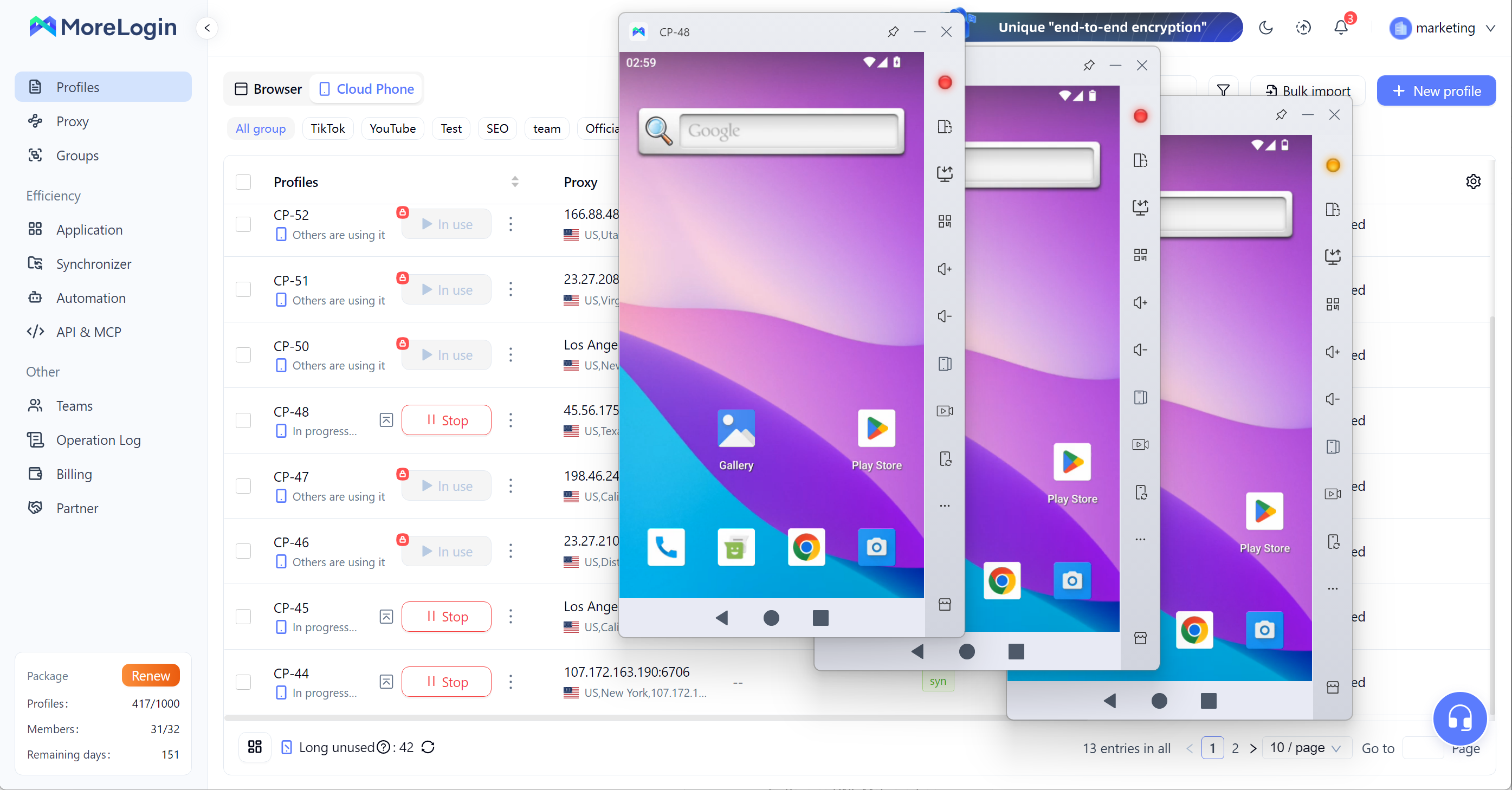
Compared to emulators, this approach is more predictable and easier to maintain.
At first, emulators seem cheaper. You install software and start using it.
But hidden costs appear over time:
Account bans
Lost data
Time spent fixing issues
Cloud phones have a direct cost, but they reduce these risks.
In the Cloud Phone vs Emulator decision, the real question is not price. It is stability.
If your workflow depends on consistent performance, instability becomes more expensive than any subscription.
The difference between these two comes down to one idea: simulation vs reality.
Emulators simulate devices. Cloud phones use actual devices running real Android, not just a simulated physical phone. These are real Android devices with genuine hardware, providing the same functionality as a physical phone but with added benefits like remote access, permission management, and persistent storage.
For testing or casual use, emulators are enough. But for multi-account management and long-term scaling, they are not reliable.
In Cloud Phone vs Emulator, the better choice for serious use is clear. A real device environment—using actual devices with real Android—provides more stability, lower detection risk, and better scalability.
What is the main difference in Cloud Phone vs Emulator?
The main difference is that an emulator simulates a phone, while a cloud phone runs on a real device. Cloud phones also allow users to select the Android version for compatibility, which affects detection, stability, and performance.
Are emulators always detected by social platforms?
Not always, but they have a higher risk. Emulators can run Android apps, but often expose inconsistencies that platforms can identify, increasing the chance of detection.
Is a cloud phone safer for multi-account management?
Yes. In most Cloud Phone vs Emulator comparisons, cloud phones are more stable because each account can run in its own real device environment. Cloud phones also offer enhanced data security, including data isolation and encryption, compared to emulators.
Can I use Bluestacks for scaling accounts?
You can try, but it is not ideal. In a cloud phone vs bluestacks scenario, Bluestacks is better for light use, not for large-scale operations.
Why do people look for an android emulator alternative?
Because emulators often fail at scale. Users face bans, instability, and performance issues, which leads them to look for better solutions.
Is a cloud phone expensive compared to an emulator?
It depends on how you measure cost. Emulators are cheaper upfront, but cloud phones leverage cloud computing technology to provide scalable and secure environments, reducing long-term risks like account loss and downtime.
 EN
EN